How to Prepare Your Logo for Printing or Engraving
September 15, 2026 · KnickKnacks & Whatnots
Quick answer
Send the cleanest, highest-resolution version of your logo, preferably a vector file such as AI, EPS, SVG, or editable PDF. If a vector is unavailable, send a large PNG with a transparent background. Include the brand colors, preferred logo variation, placement instructions, and any minimum-size rules. Ask for a digital mockup before production.
Logo preparation checklist
Use the right file
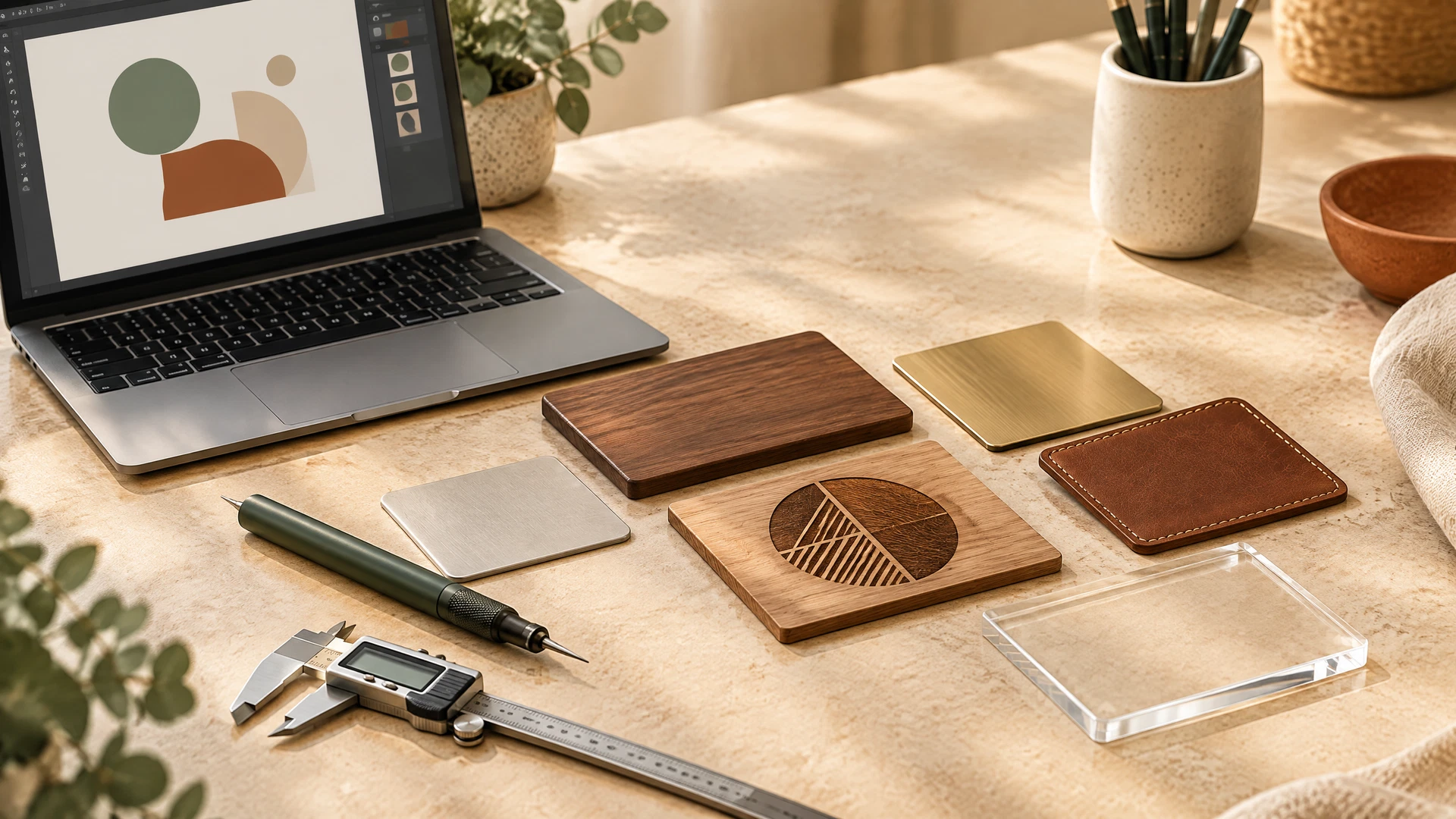
Vector artwork is best because it can be resized without becoming blurry. A large transparent PNG may work for some printing methods, but it may not be suitable for engraving or every production process.
Send the correct logo variation
Many brands have horizontal, stacked, icon-only, black, white, and full-color versions. Tell the supplier which version to use. Do not send several files without identifying the approved one.
Check color requirements
Printing may use RGB, CMYK, spot colors, or a supplier-specific process. Engraving may not reproduce color at all. Ask how the selected material and branding method will affect the final appearance.
Consider the product surface
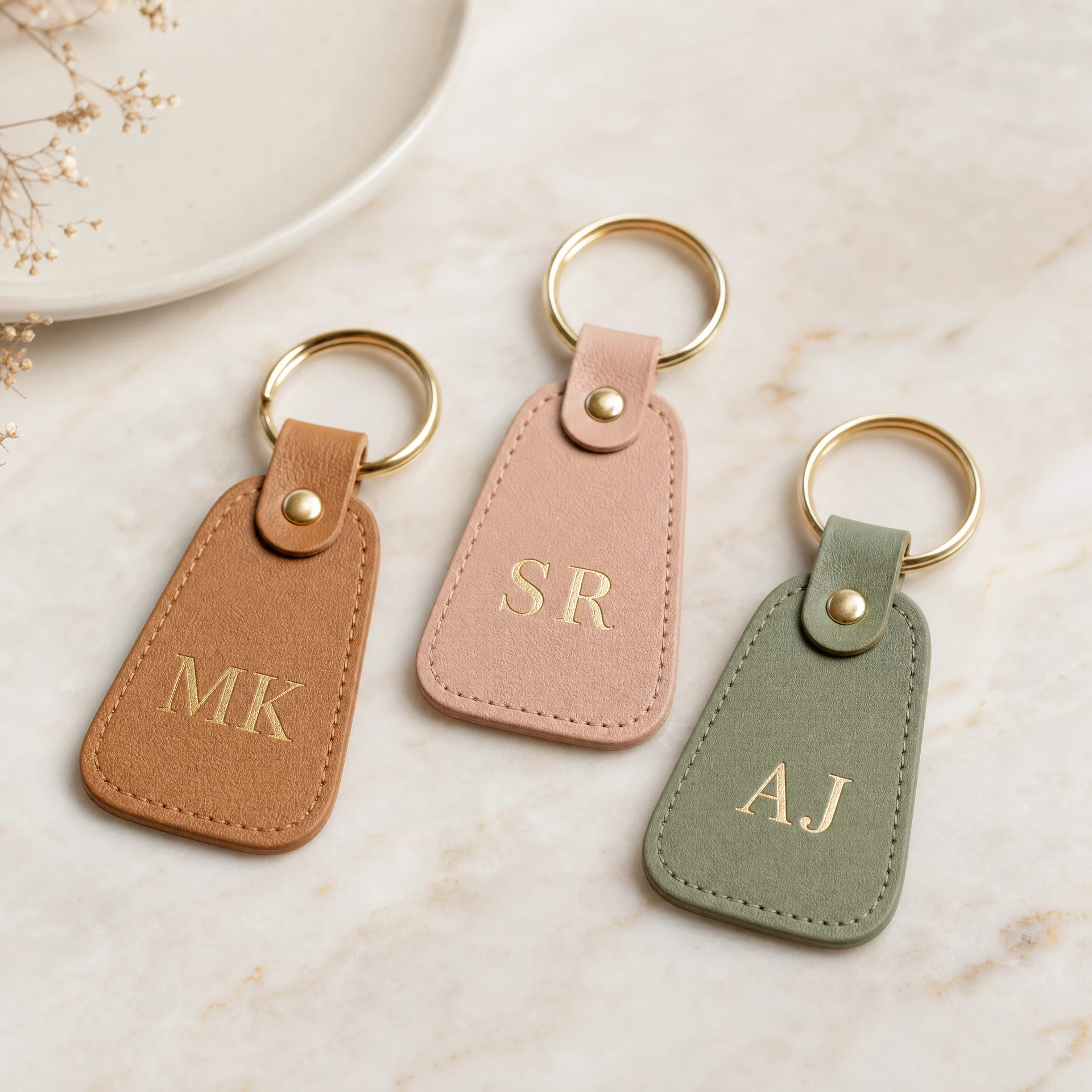
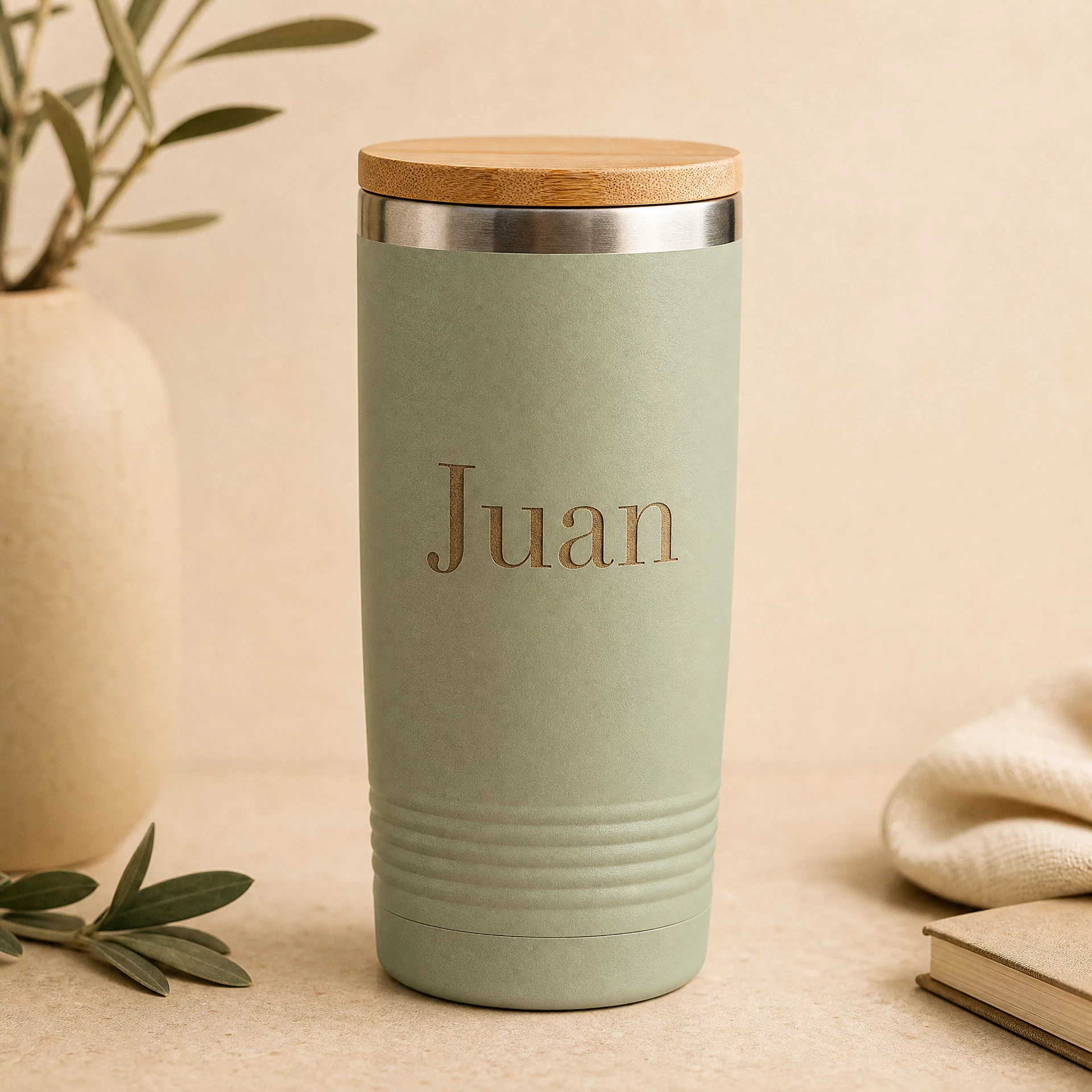
A logo that looks clear on a flat notebook may not work on a curved tumbler, textured fabric, small keychain, or dark material. Request a mockup showing the logo at actual approximate placement and size.
Include a clear placement instruction
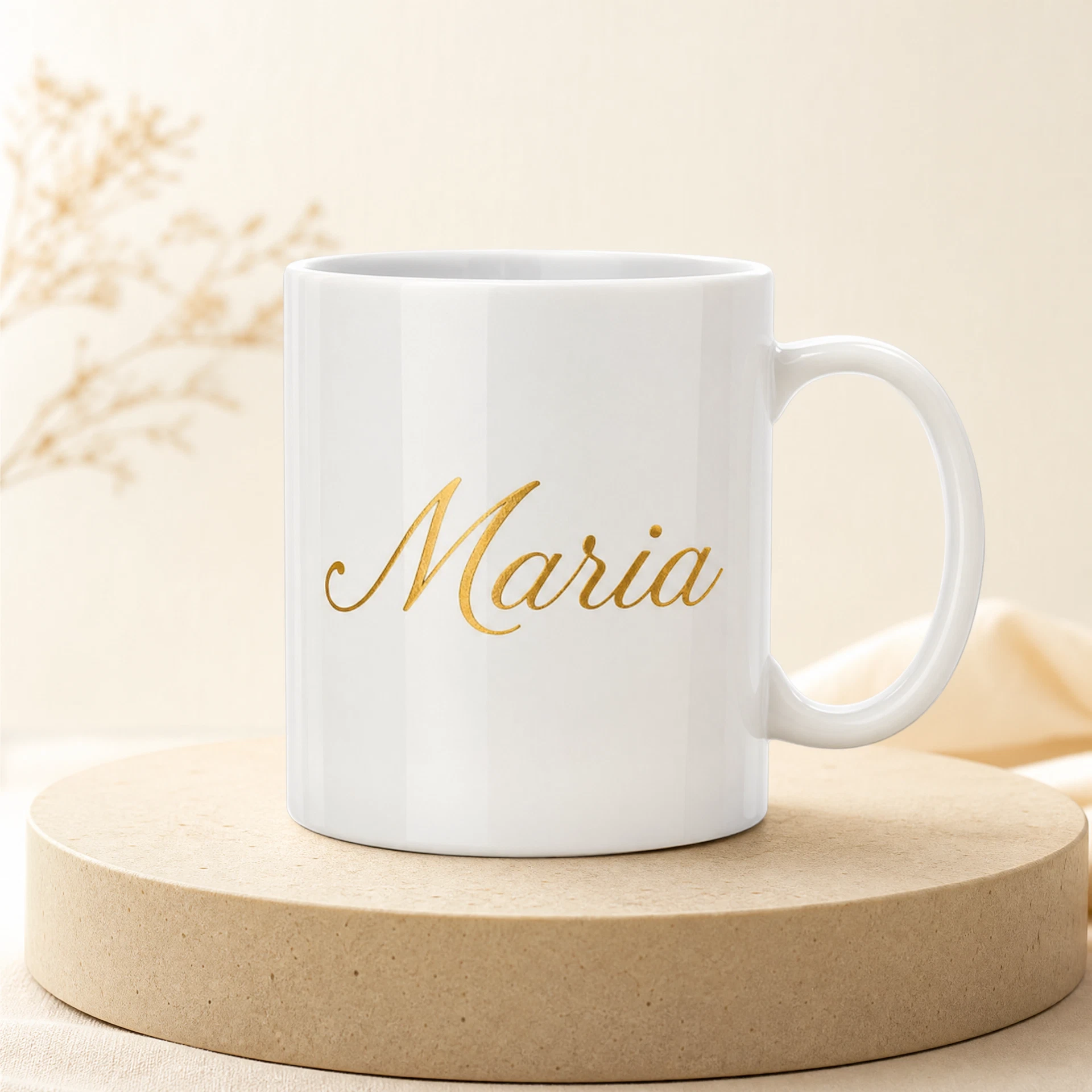
State whether the logo should appear on the front, back, lid, sleeve, tag, card, or box. If the item includes individual names, explain where names should appear relative to the logo.
Keep small details readable
Thin lines, tiny text, gradients, shadows, and intricate icons may disappear during engraving or small-format printing. Prepare a simplified version if needed.
What to send with the logo
Include the editable logo, a preview image, brand colors, preferred size, placement, product name, and a contact person who can approve the mockup. If the order includes different names, send a spreadsheet with one final spelling per row.
Approve before production
Check the mockup for logo proportions, spelling, alignment, color, size, and placement. Approve only after the decision-maker has reviewed it. Keep the approved mockup and final artwork in your project records.
Request a logo-branded corporate quote.